v1 is here · open source & MIT

The full power of git.
The simplest UI.

Fast · Simple · Beautiful

A desktop git client that hides the ceremony and keeps the power. Hunk-level staging, image diffs, calm conflicts and interactive rebase — without ever dropping you into a terminal.

Download View on GitHub Requires git installed
Open source · MIT macOSWindowsLinux Self-updating Electron · React 19 · TypeScript
Built for real work

Advanced git, without the ceremony.

Every hard thing about git — staging, conflicts, rebase — made effortless. The complexity lives in the engine, never in your face.

Hunk-level staging

No staging area. Commit exactly what you mean.

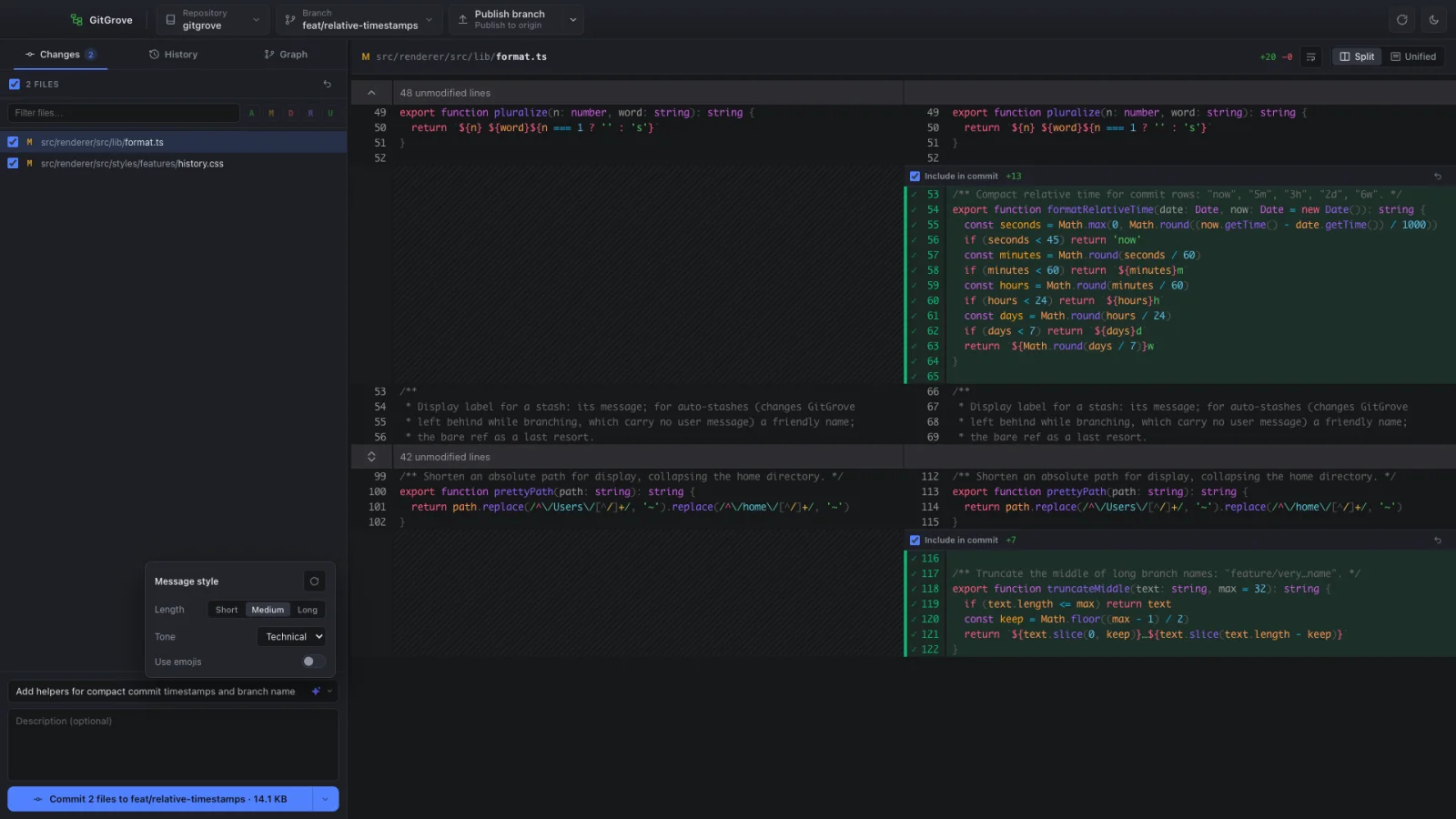
Tick a checkbox to include a file — or expand it and tick a single hunk. Checkboxes are pure UI; staging happens at commit time, down to the line. Nothing touches git until you commit.

file · hunk · linegit apply --cached
GitGrove Changes view with file and hunk checkboxes for precise staging
One composer

Commit, amend & stash — without ceremony.

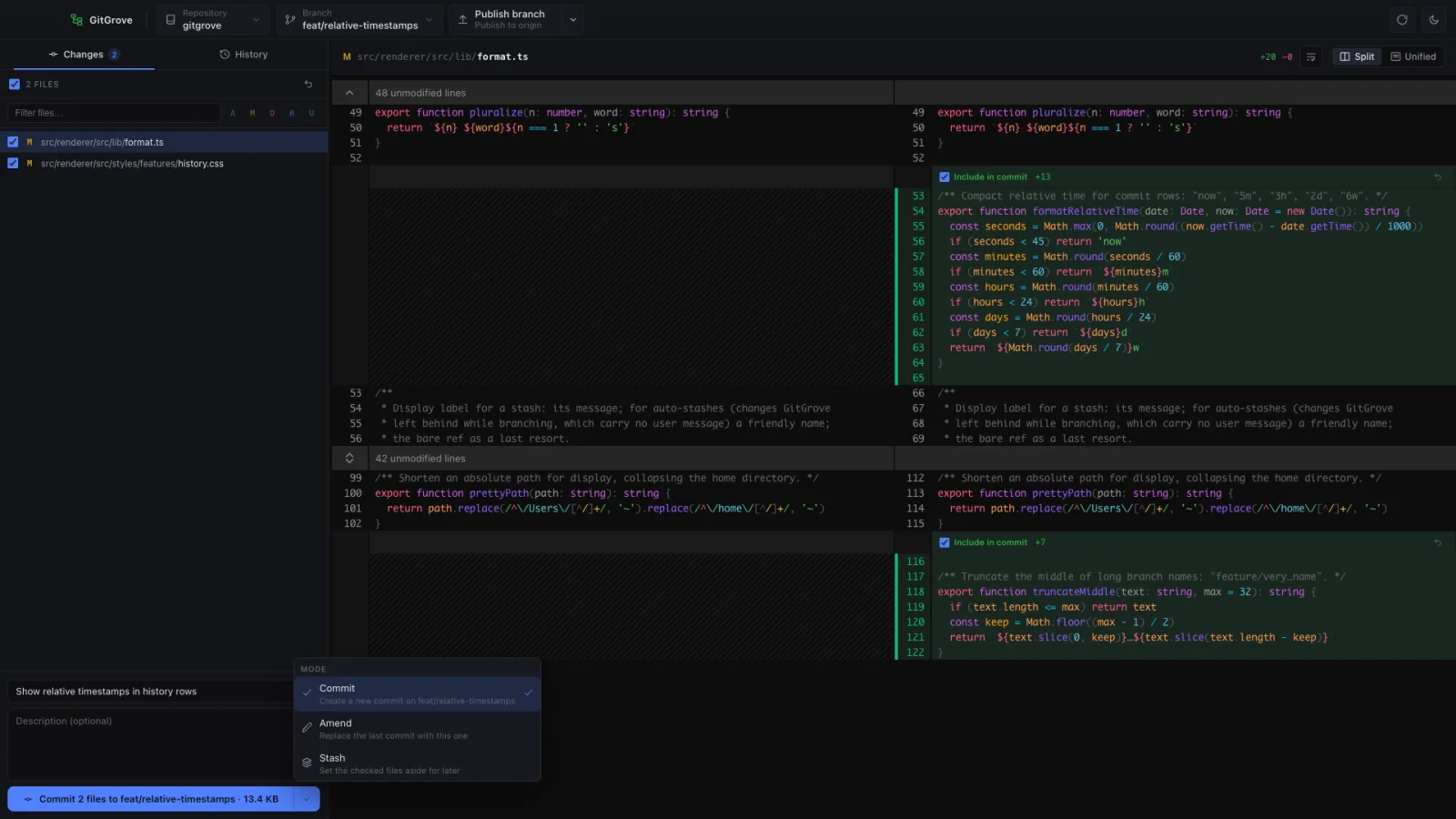
A single composer with a mode switch. Write a commit, amend the last one, or stash your work — each a single click. Signing is inherited from your git config; no flags to remember.

commitamendstash
GitGrove commit composer with a commit / amend / stash mode switch
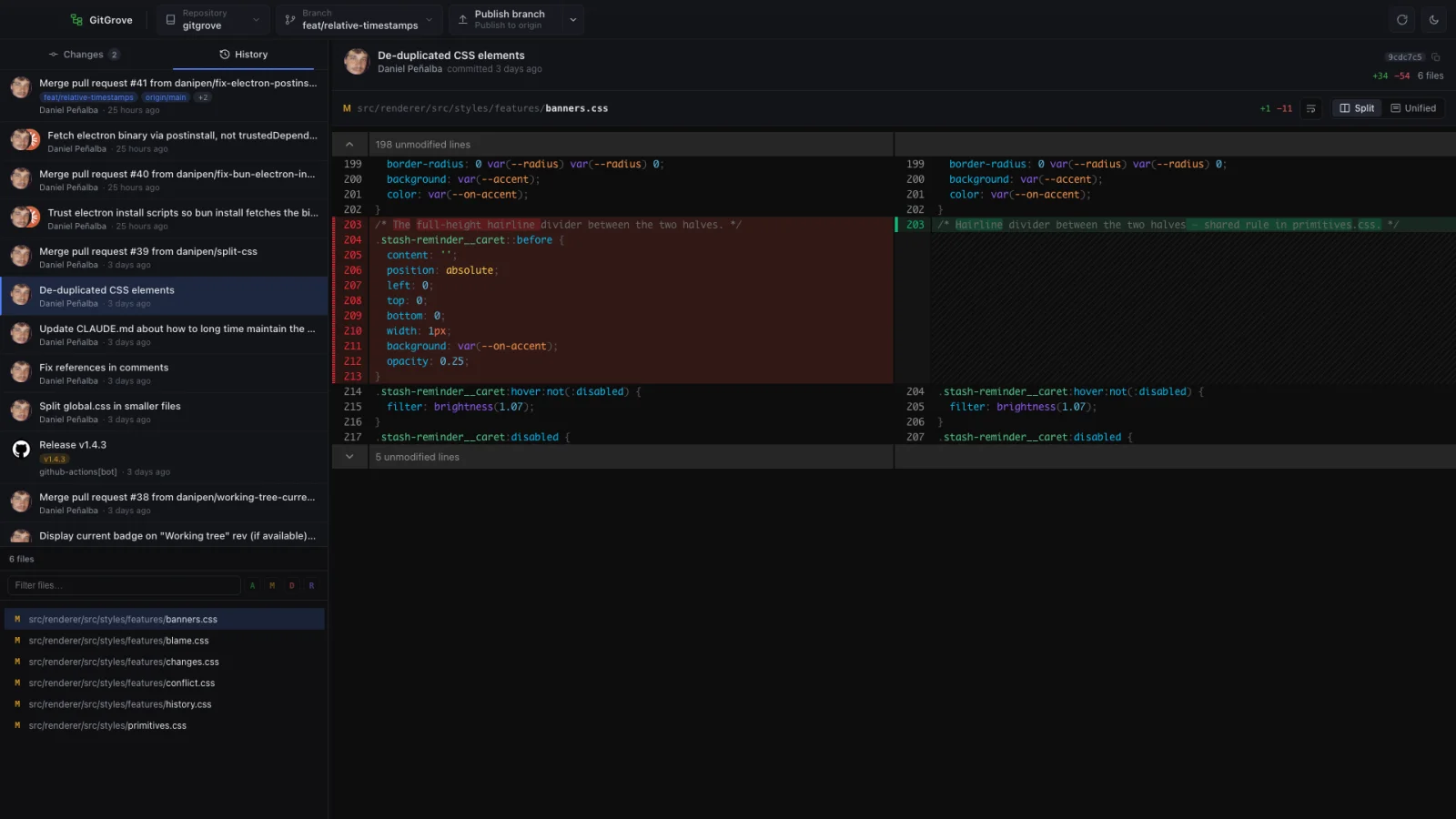
Diffs by @pierre/diffs

Diffs that read themselves.

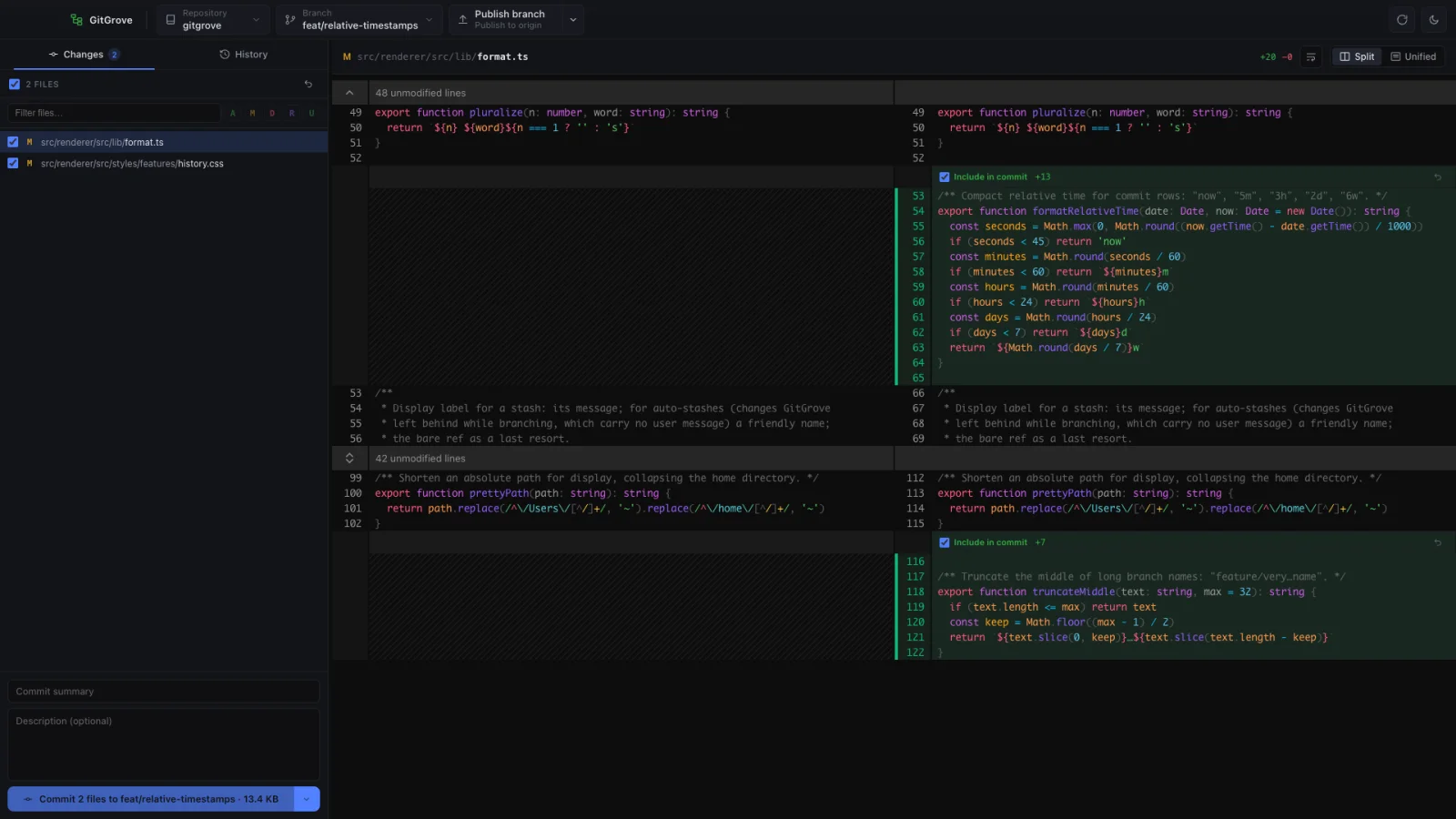
Syntax-highlighted, split or unified, light or dark. The diff that ships in Pierre, rendered right inside GitGrove — so reviewing a change is a pleasure, not a chore.

split · unifiedsyntax-aware
A syntax-highlighted split diff in GitGrove
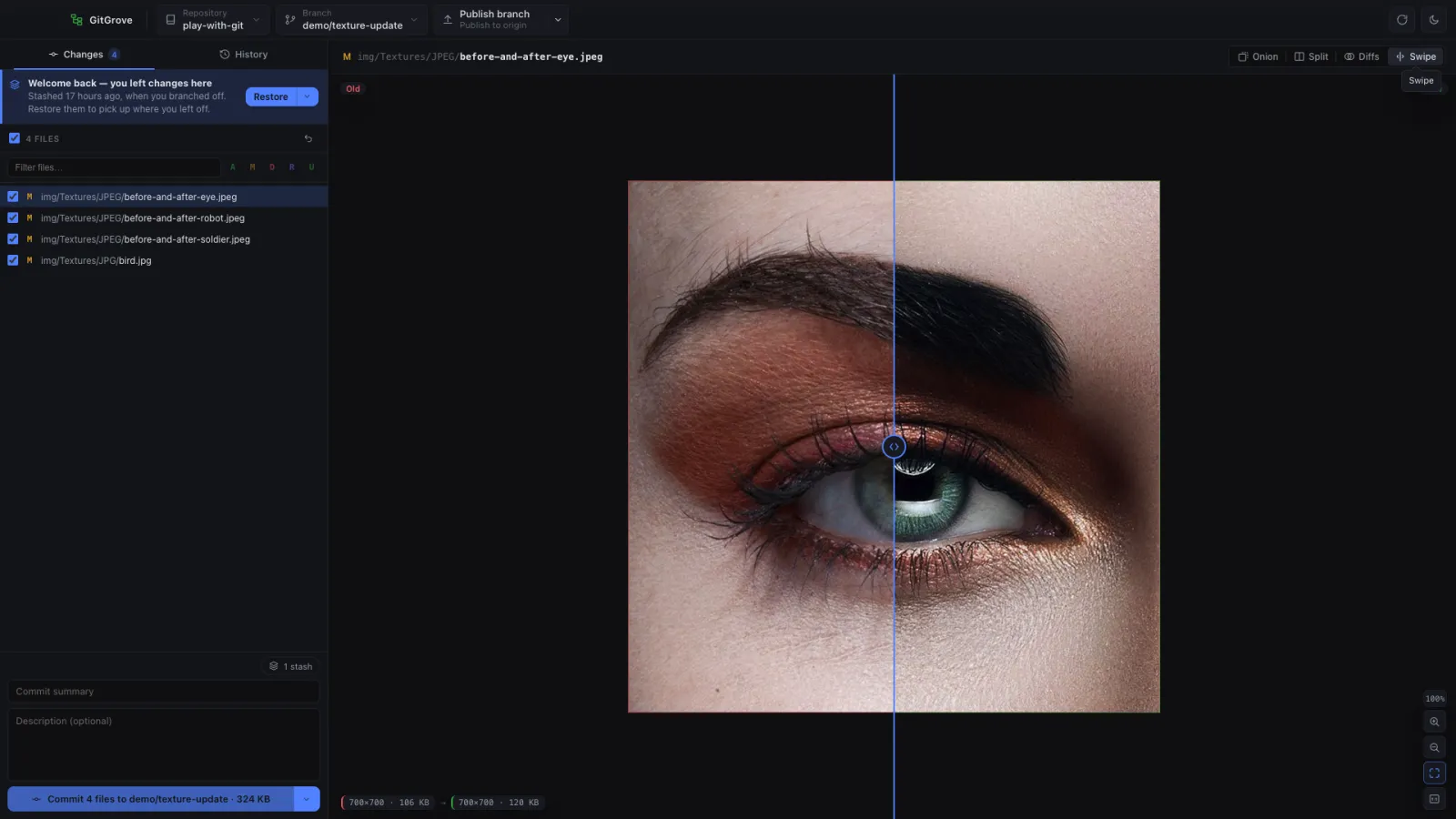
Image diffs

See exactly what changed — visually.

Compare before and after with a swipe, an onion-skin overlay, or a pixel-difference heatmap, with zoom and pan. PNG, JPEG, TGA and more — because not every diff is text.

swipeonion-skinheatmap
GitGrove image diff comparing two versions of a texture with a swipe handle
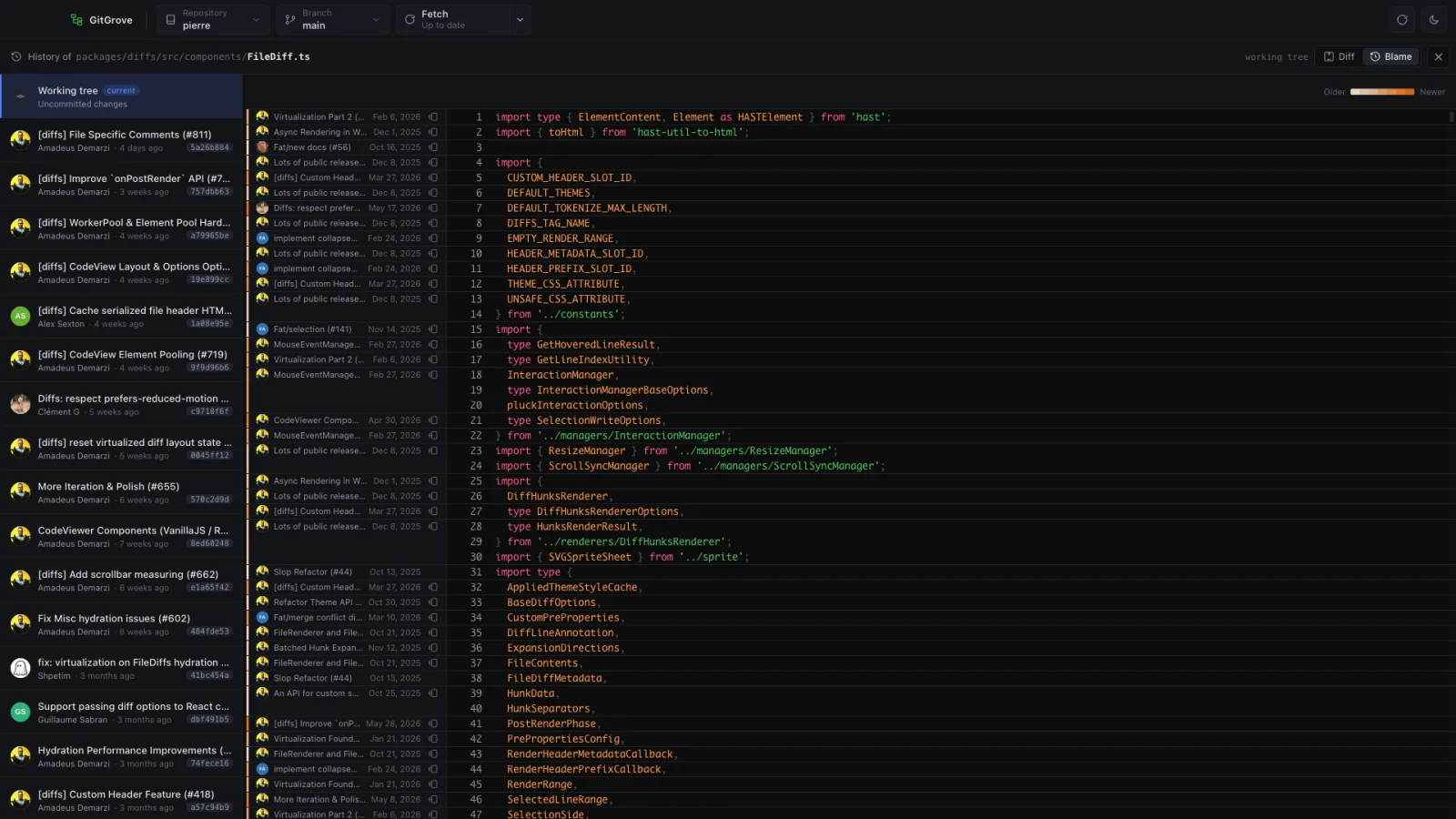
History & blame

History and blame, actually usable.

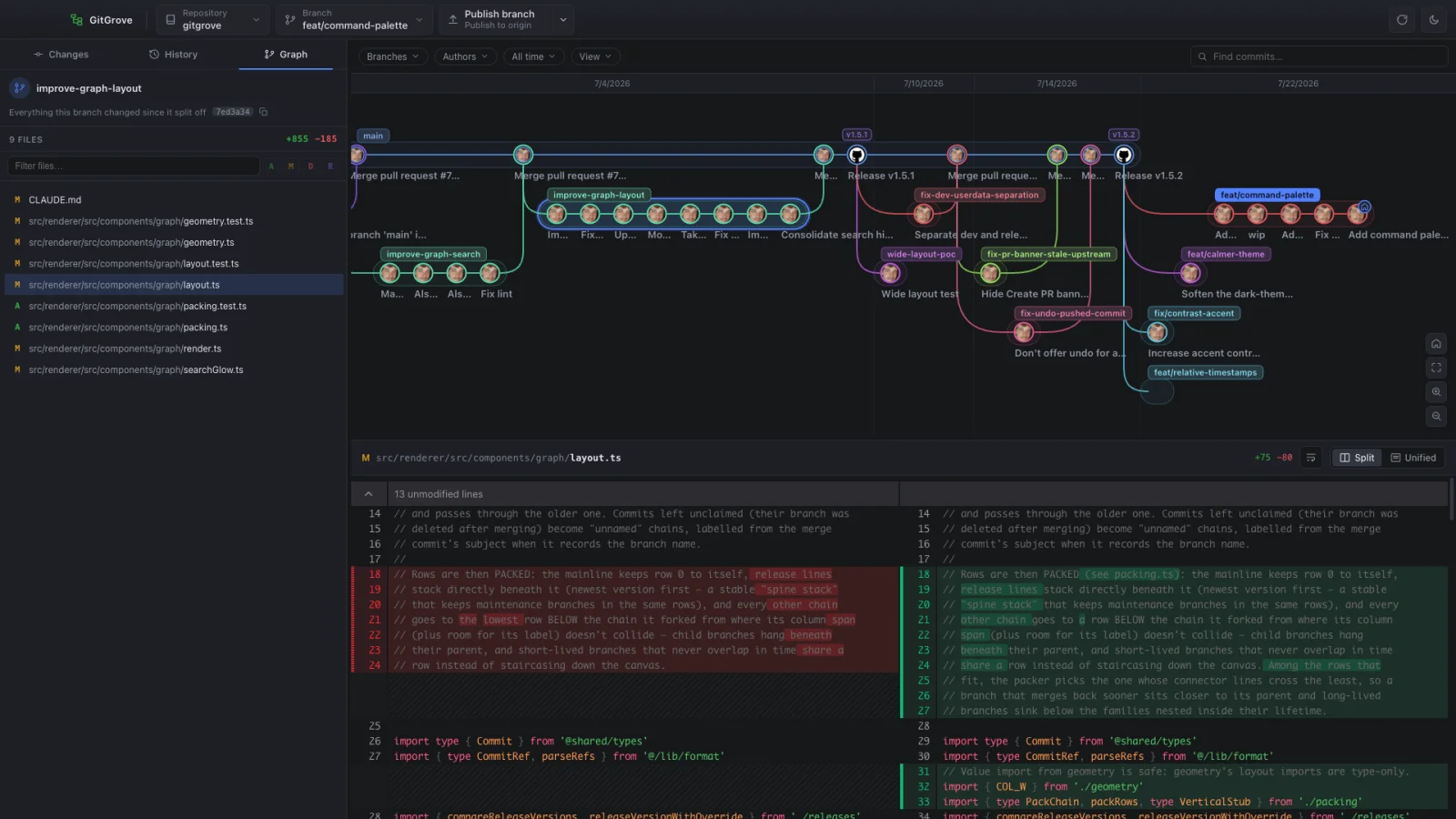
A clean commit graph with author avatars, and blame for any file line-by-line — to see who changed what, and when, without leaving the window.

commit graphline blame
GitGrove blame view showing line-by-line authorship
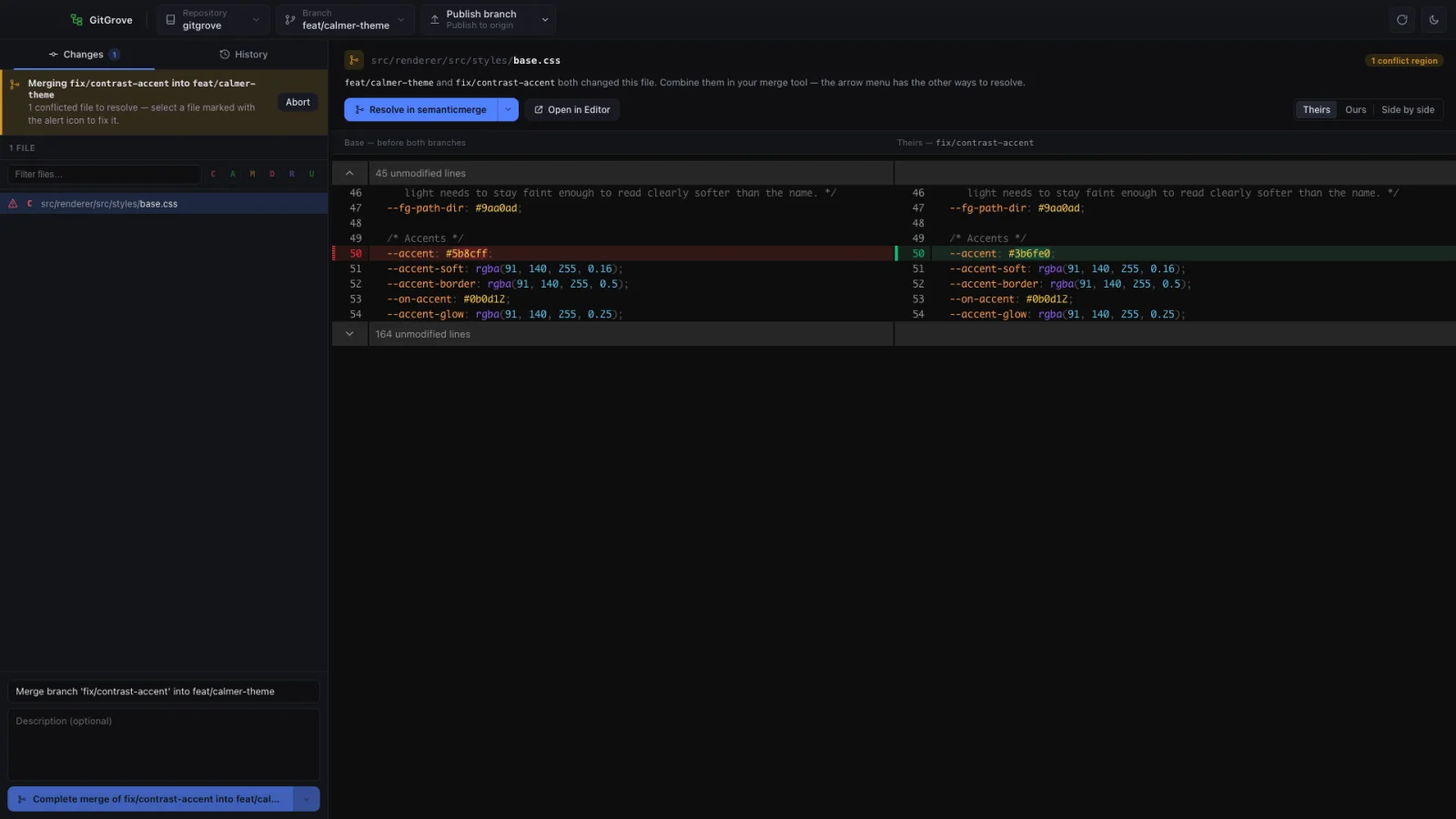
Conflict resolution

Conflicts, resolved calmly.

GitGrove flags conflicts before you merge, then walks you through each file — keep ours, take theirs, or compare side by side. No cryptic markers, no panic.

keep ourstake theirsside by side
GitGrove conflict resolution with keep ours / take theirs controls
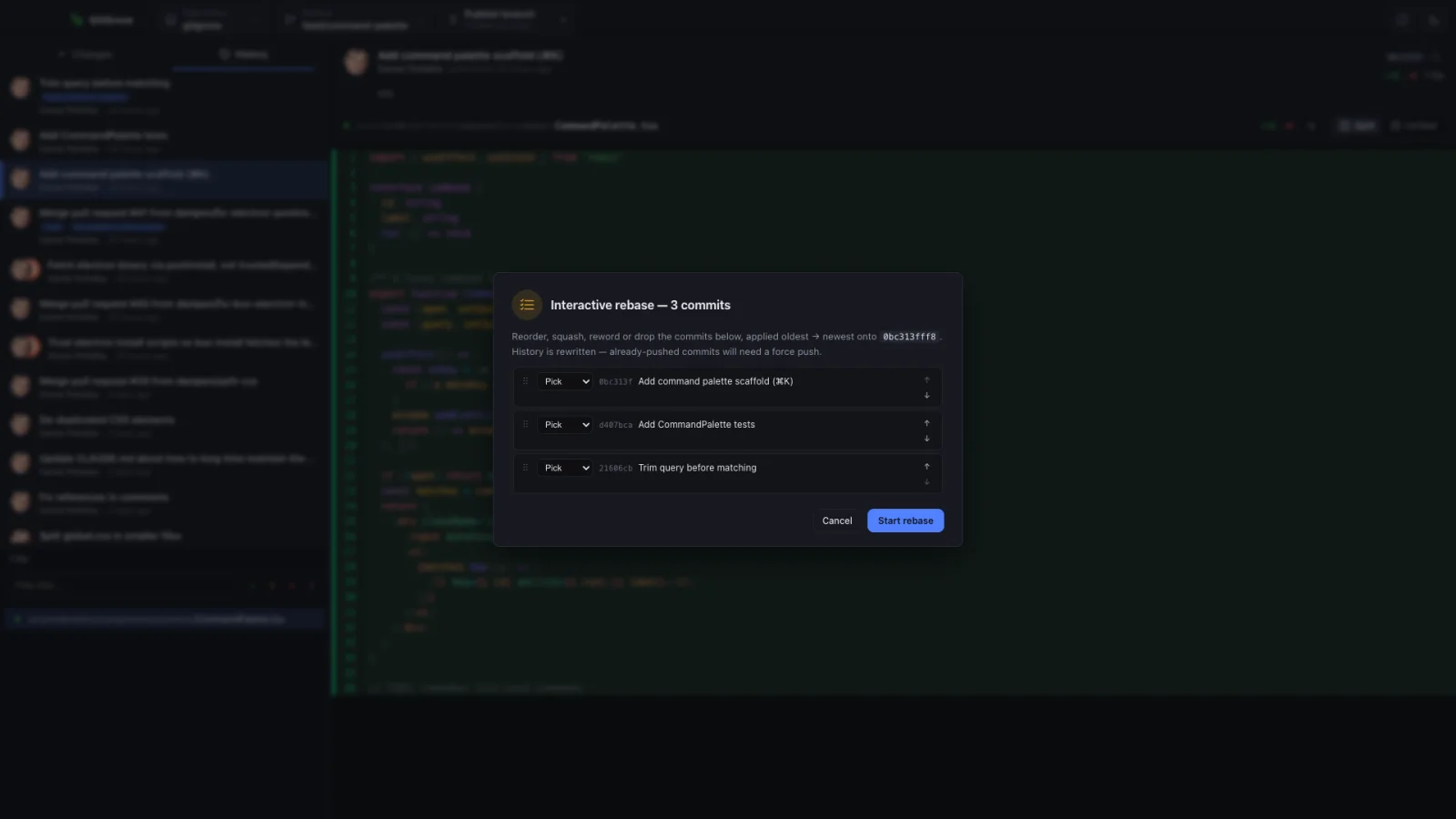
Interactive rebase

Rewrite history. No terminal editor.

Reorder, squash, fixup, reword or drop commits from a single dialog. The rebase is scripted behind the scenes through editor shims — so no vim, no rebase -i file, ever opens.

reordersquash · fixupreword · drop
GitGrove interactive rebase dialog with squash, fixup, reword and drop
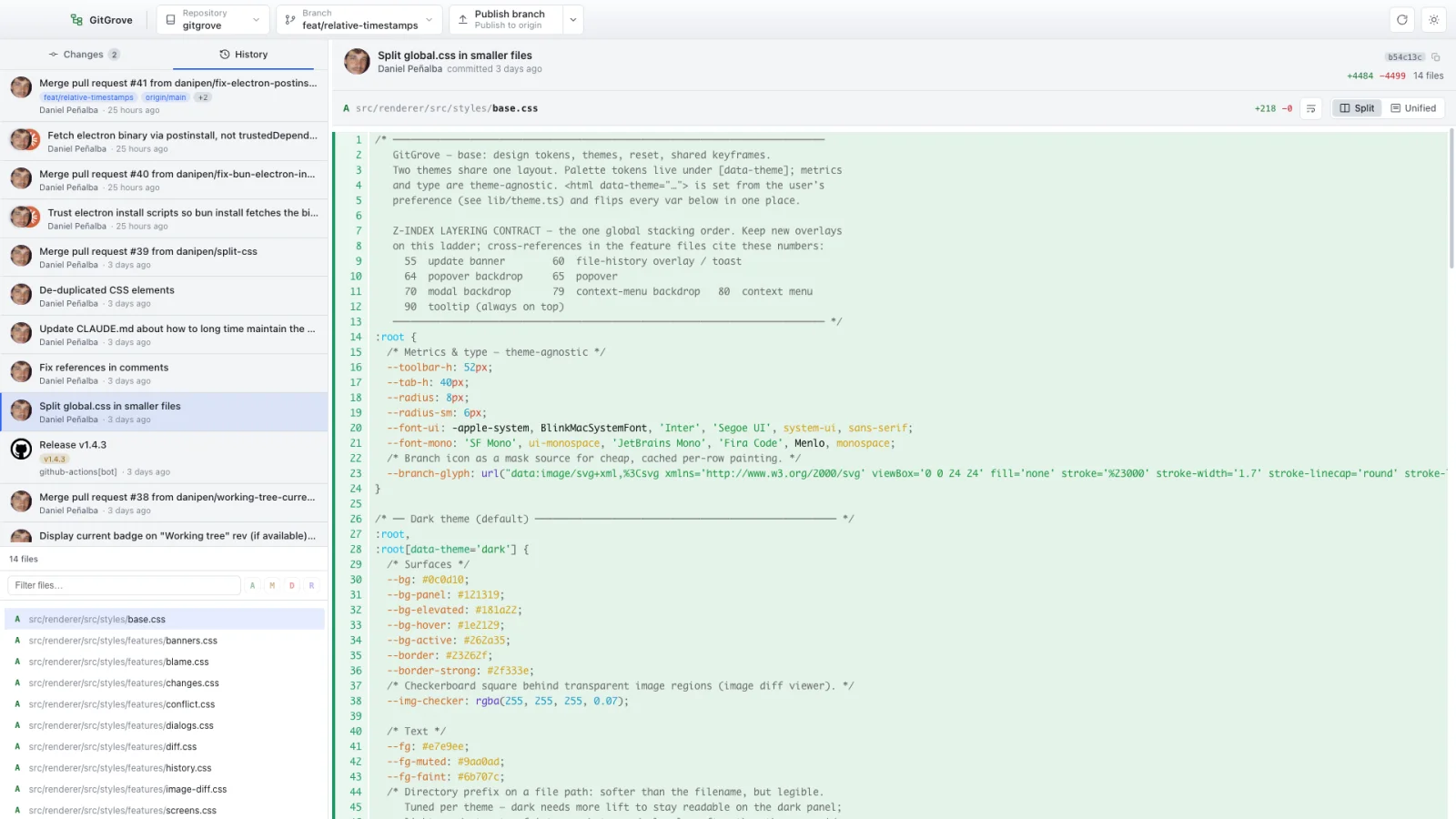
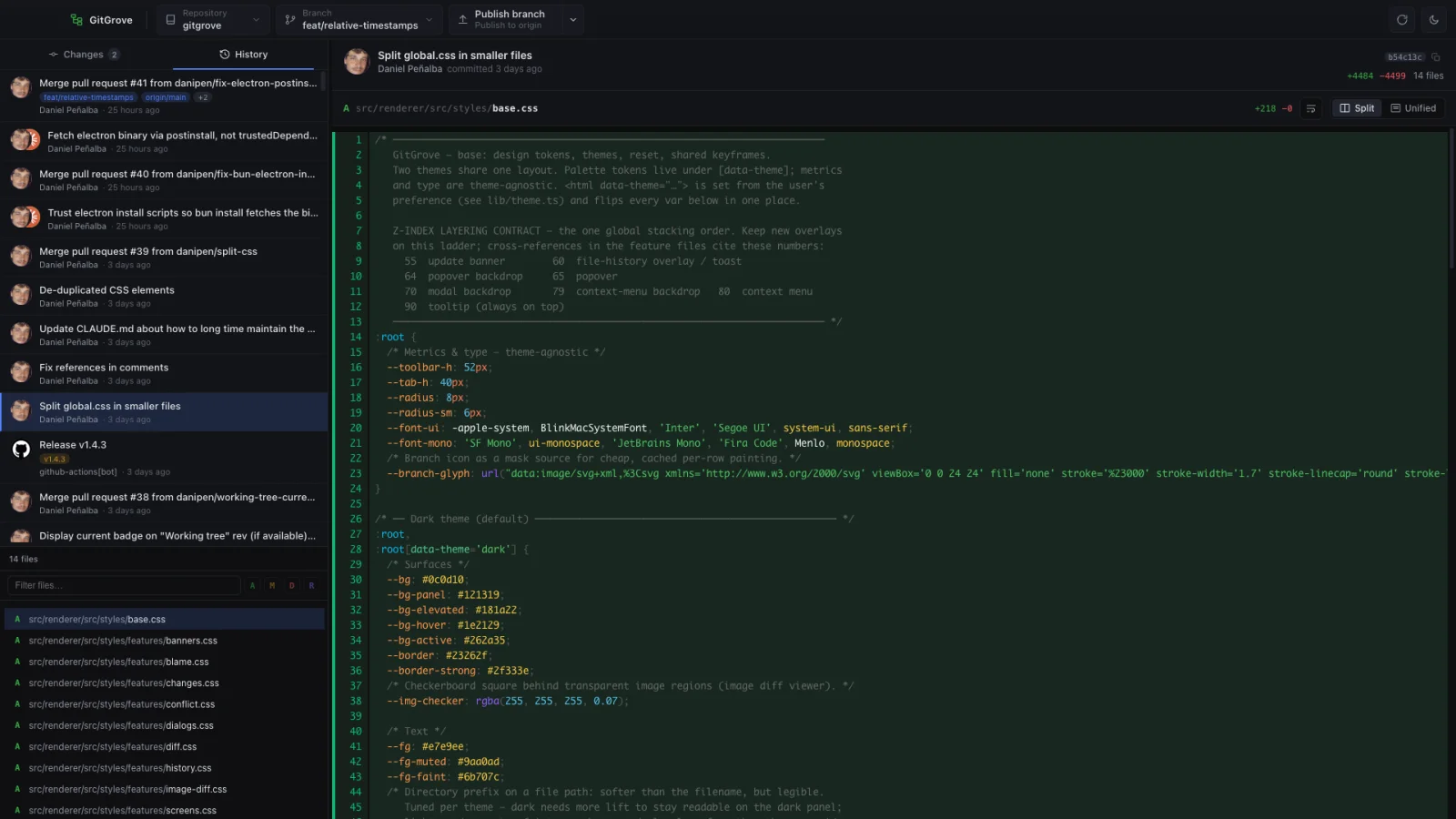
Two themes, one calm layout

Light or dark. Always at home.

GitGrove ships two carefully tuned themes that match your system — and never make you squint. Drag to compare.

Light GitGrove history view in light theme
Dark GitGrove history view in dark theme
Get GitGrove

Download for your platform.

Free and open source. It checks quietly for updates on launch and restarts in one click.

macOS

Apple Silicon & Intel · .dmg

Download for Apple Silicon Download for Intel (x64)

Windows

x64 installer · .exe

Download for x64 Download for Arm64

Linux

x86_64 · .AppImage

Download .AppImage All builds & checksums

Looking for older versions, checksums or release notes? See all builds on GitHub. You'll need git installed — GitGrove walks you through it if it isn't found.